MICROSOFT 365 GOVERNANCE SUITE

Microsoft 365 governance. On autopilot.

So IT teams keep Microsoft 365 in check, not the other way around. One suite, four products, complete control.

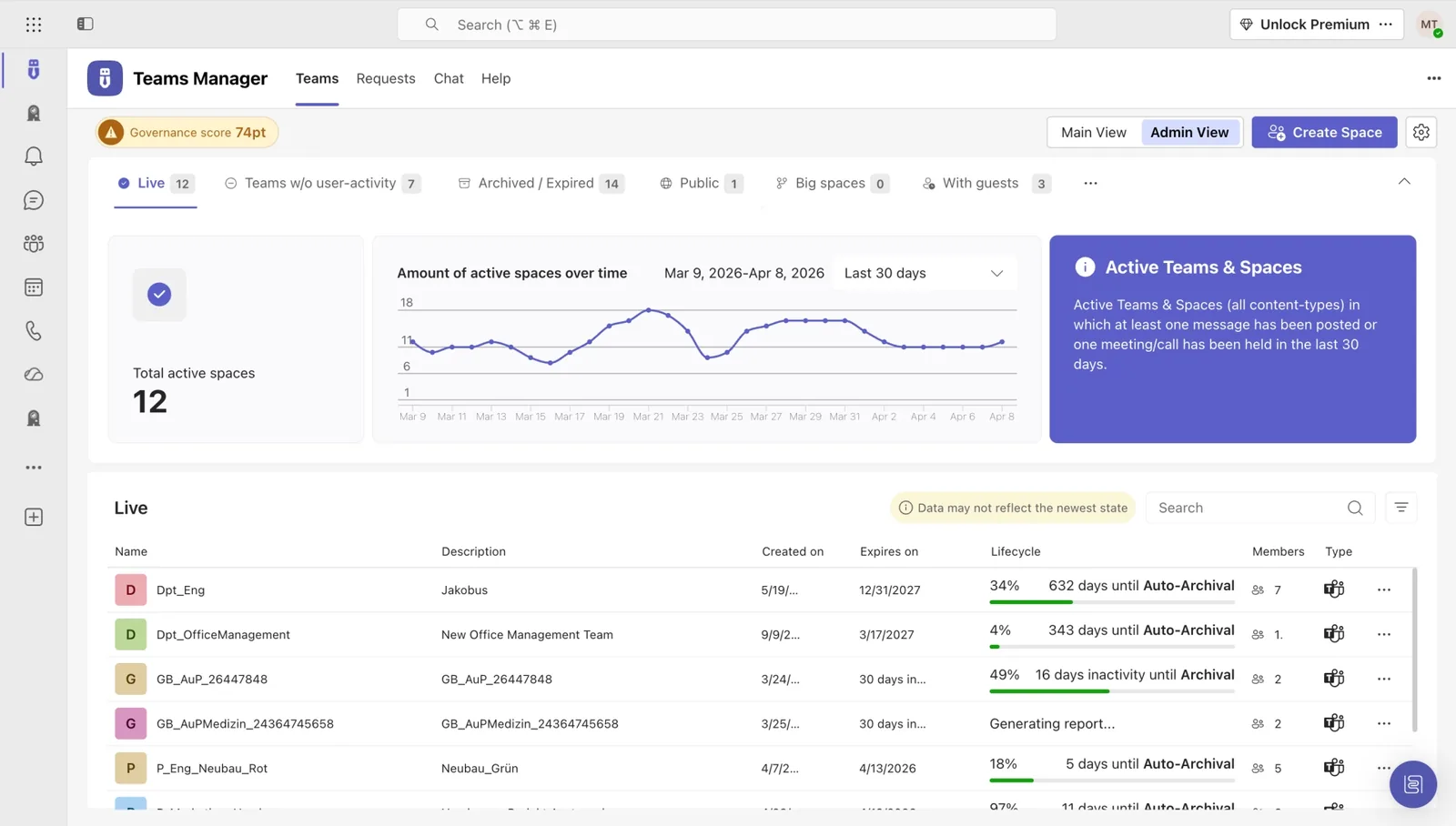
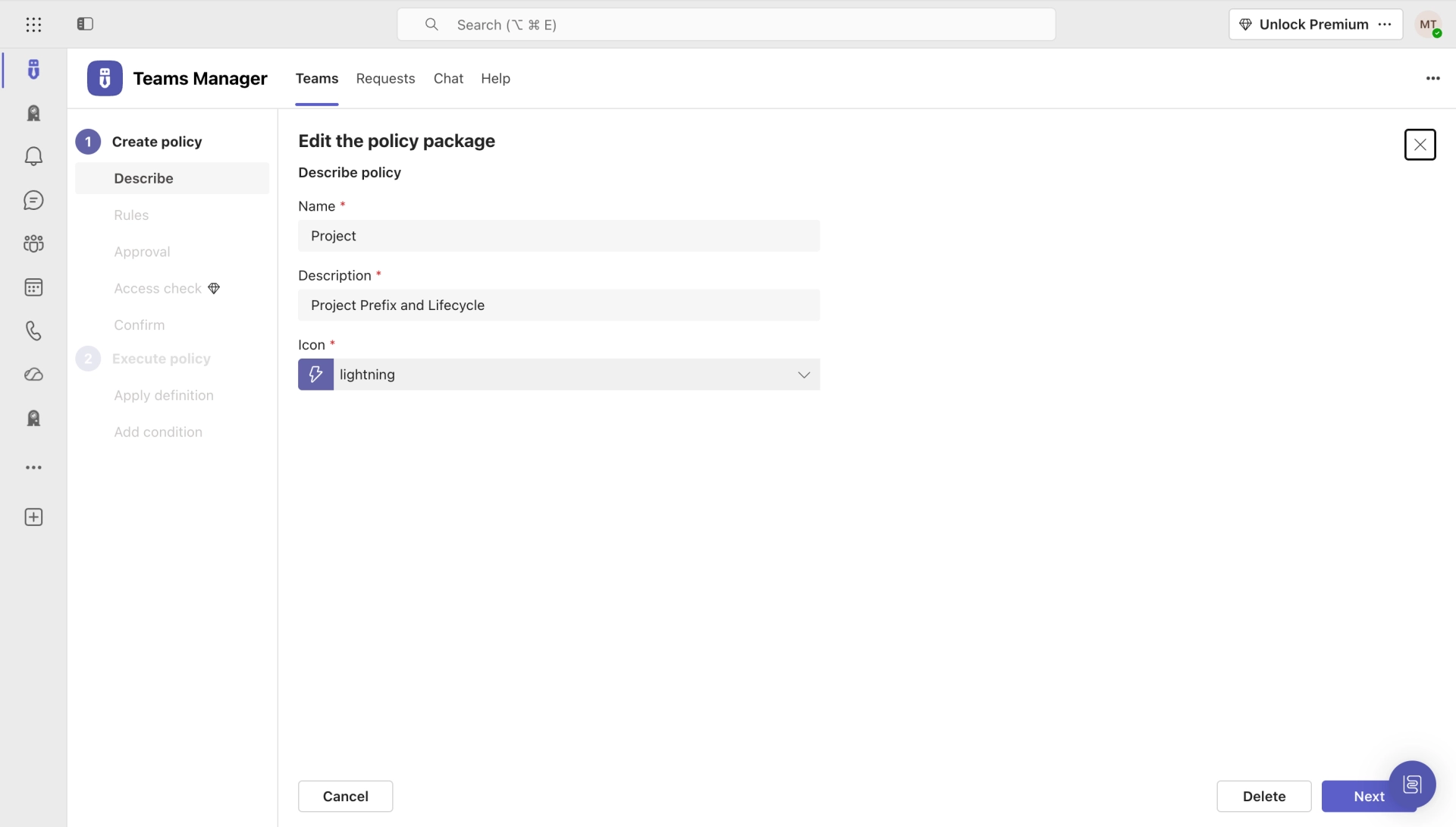
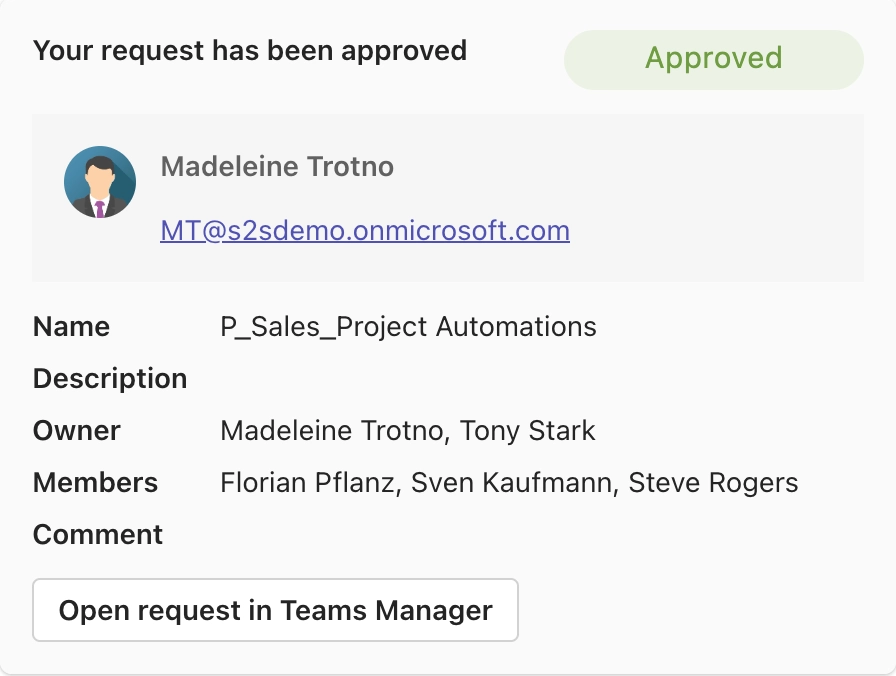
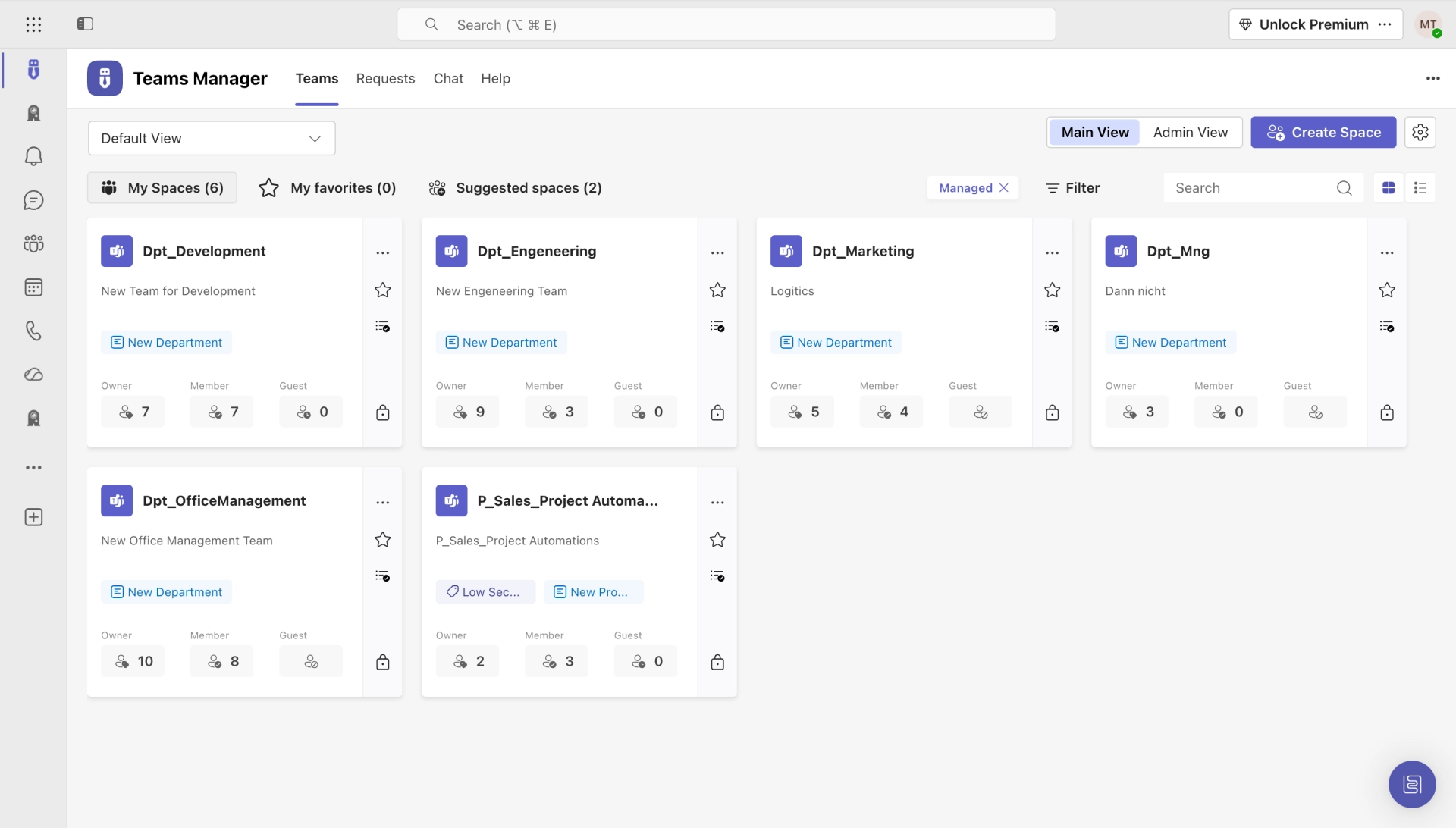
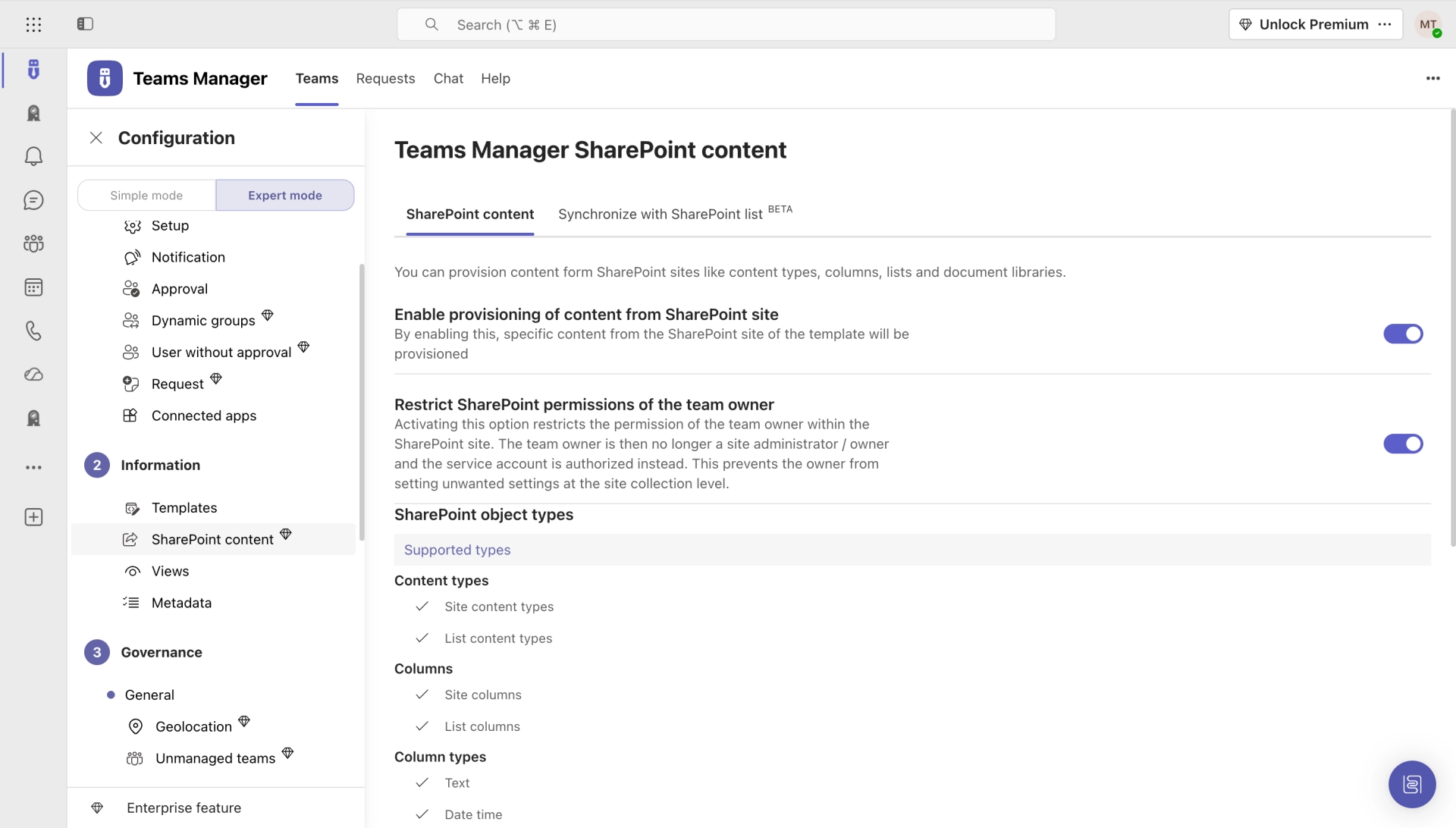
Teams Manager dashboard showing governance score, active spaces chart, and team overview list in Microsoft Teams
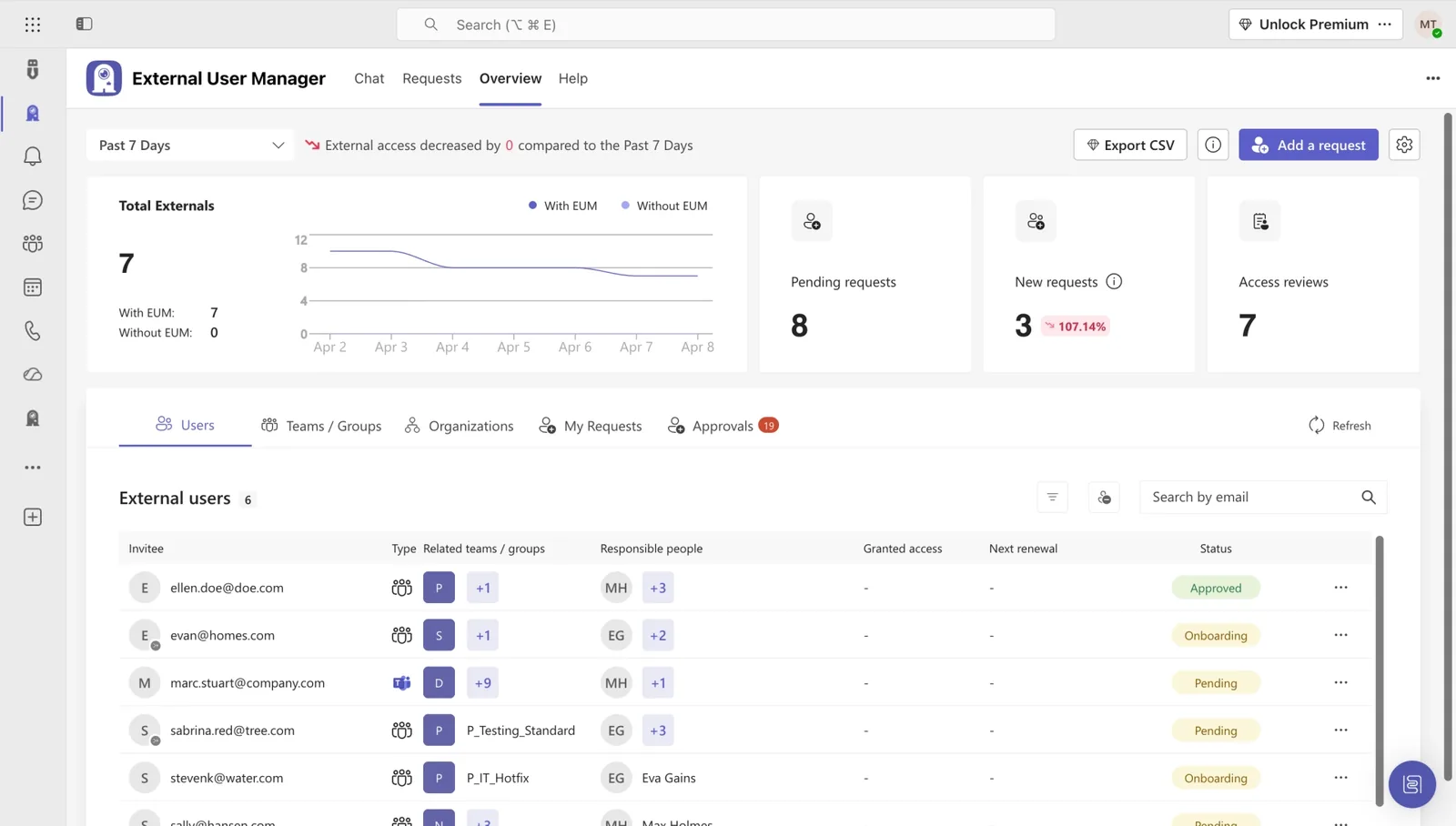
External User Manager dashboard overview showing external user metrics and trends
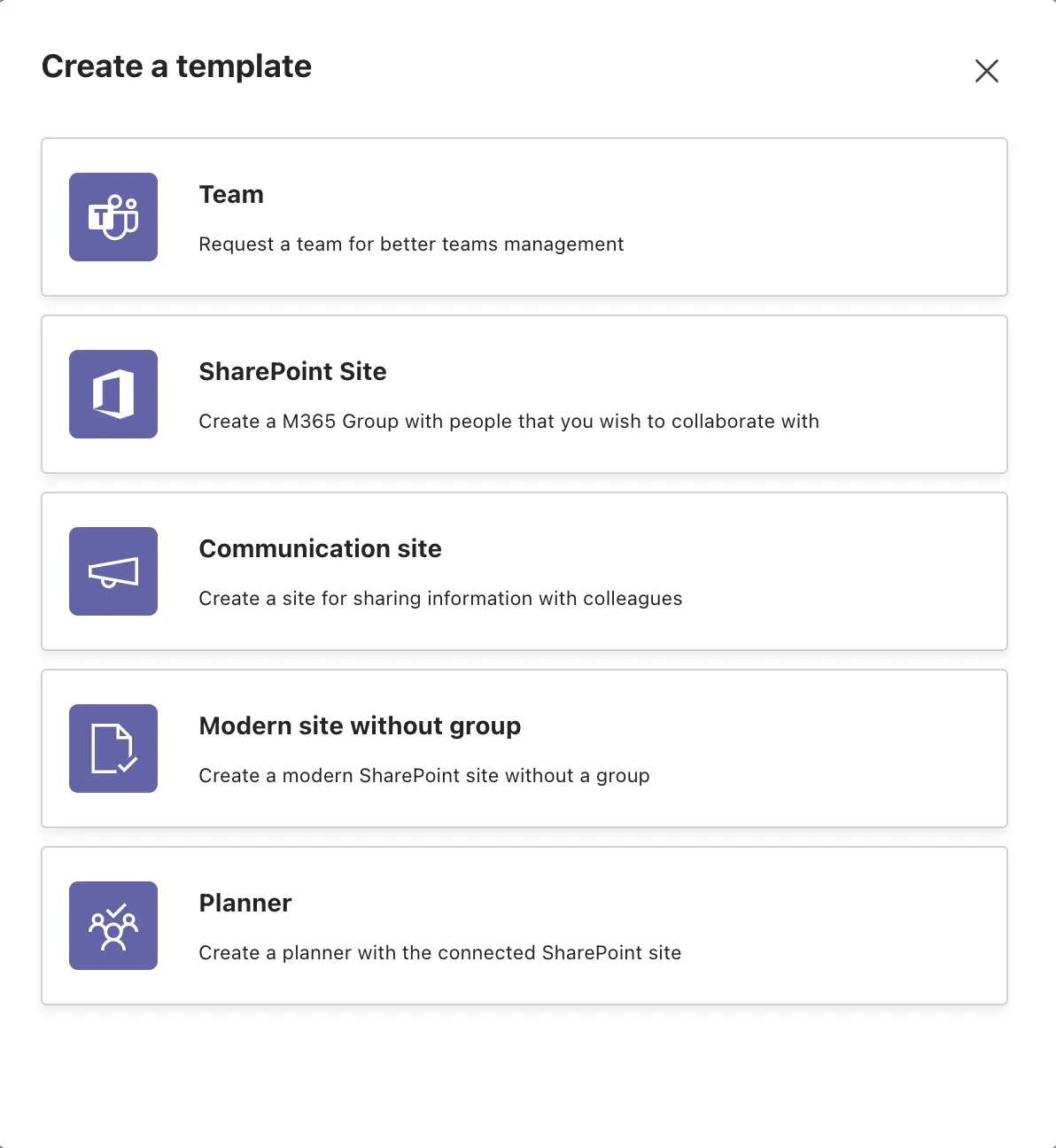
Teams Manager template type selection showing five template categories with icons and descriptions
External User Manager dashboard overview showing external user metrics, trends chart, and user list

One suite. Five solutions. Every M365 governance gap, closed.

IT teams waste hundreds of hours on manual governance tasks. We automate it all, from Teams provisioning to guest access control.

Teams Manager Icon

Teams Manager

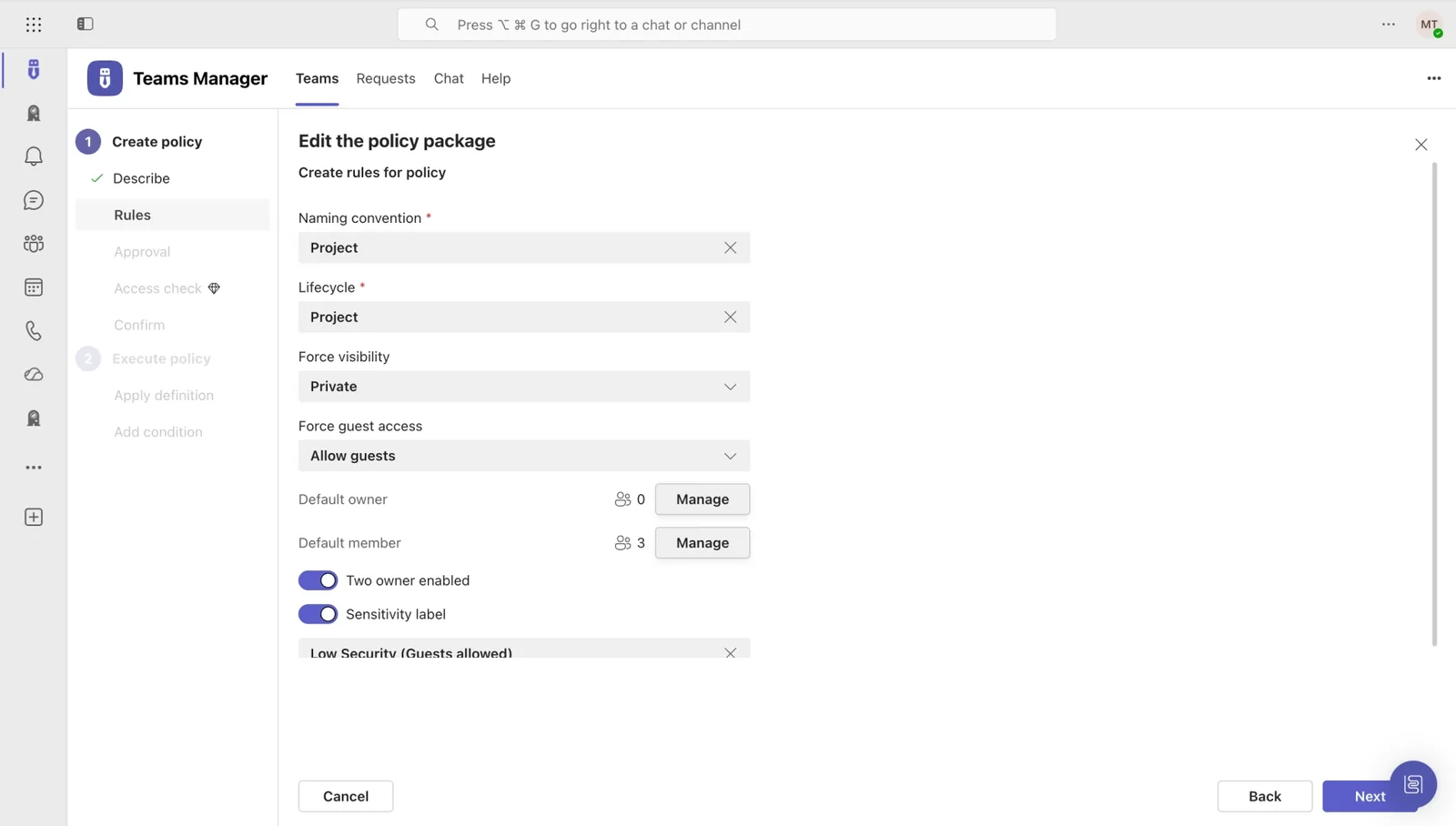
Stop drowning in manual Teams administration. Automate provisioning, enforce naming conventions, and archive inactive teams. No PowerShell required.

Learn more →
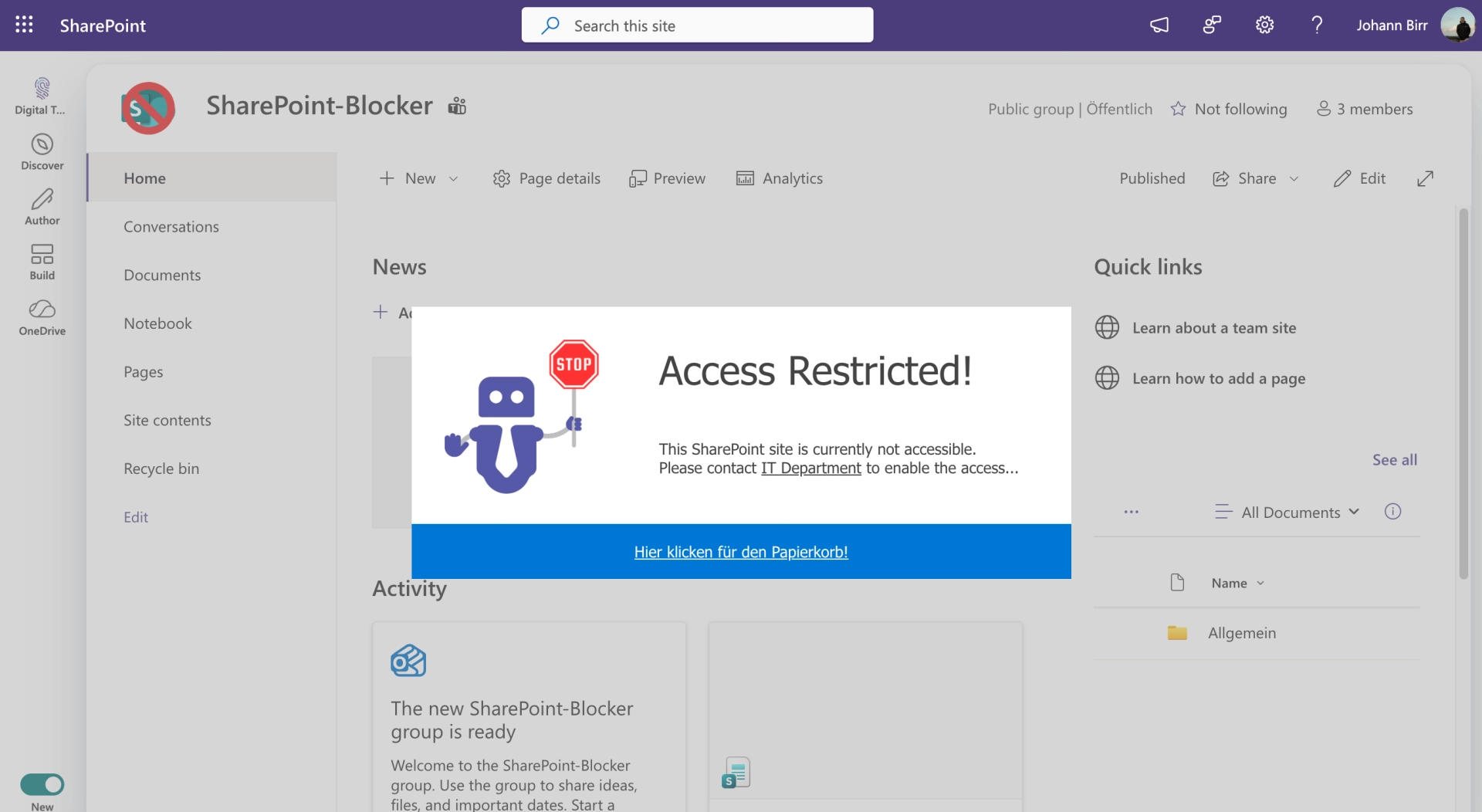
Blocker for SharePoint Icon

External User Manager

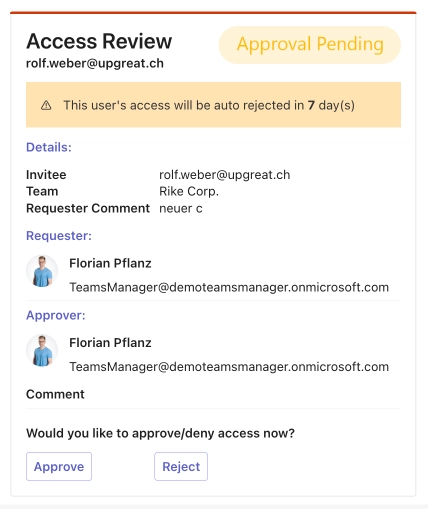
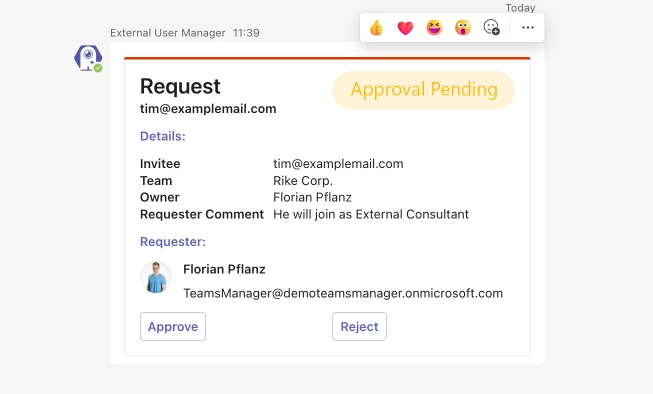
Ex-employees still accessing your data? Automate guest lifecycle with expiration dates, access reviews, and audit-ready compliance reports.

Learn more →
Templater Icon

Templater

Still building SharePoint sites from scratch? Deploy standardized, governance-compliant sites from templates, saving hours while enforcing consistency.

Learn more →
Projects in Teams Icon

Projects in Teams

Run every project inside Microsoft Teams, with structured tasks, milestones, and real-time progress. Turn Teams into your project management hub, without leaving M365.

Learn more →
SharePoint Site Templates Icon

SharePoint Site Templates

Spin up governance-ready SharePoint sites in seconds. Pre-configured templates with permissions, structure, and branding, consistent across every project and department.

Learn more →

CUSTOMER SUCCESS STORIES

See how IT teams across industries use Solutions2Share to take control of Microsoft 365.

riha WeserGold Getränke GmbH & Co. KG Microsoft Teams
Beverage manufacturer

Structure and automation in M365: How riha WeserGold saves significant time

riha WeserGold saves 50% time in team and guest management with Teams Manager and External User Manager, automating approval processes and external access control.

Read Story →
Ernsting's family GmbH & Co. KG Microsoft Teams
Textile retail

Governance made easy: Ernsting's family relies on Teams Manager and External User Manager

Ernsting's family migrated from a competing governance tool to Teams Manager and External User Manager for more intuitive M365 governance.

Read Story →
Bioland Teams Guest Management Microsoft Teams
Organic farming

How Bioland Manages Teams and Guests in Microsoft Teams

Bioland manages 332 teams and 643 guests with Teams Manager and External User Manager, enforcing naming conventions and controlling guest access in Microsoft Teams.

Read Story →
View All Customer Stories →

What our customers say

Feedback from IT admins and decision-makers who run Microsoft 365 with our apps.

With Teams Manager and External User Manager, managing Microsoft Teams runs on autopilot. We don't have to worry about anything and still have full overview and control over all guests and teams.

Placeholder
Michaël Schmitt
Network Administrator, Bioland e.V.

With External User Manager, we know exactly which guest users have access to which channels and files. The approval process helps us keep a better overview. And the onboarding portal allows us to comply with company regulations by having our guest users sign an NDA beforehand.

Placeholder
Artur Strzalkowski
Team Lead Microsoft 365 Consulting, Digital Touch

Teams Manager covers exactly what we had in mind. Everything that can be automated is now automated. I can also highly recommend the kick-off workshop.

Placeholder
Matthias Ortner
CDO, GEBRÜDER PETERS Gebäudetechnik AG

Thanks to automatic site provisioning with different templates, the collaboration and project portal is now super easy to use.

Placeholder
Markus Kawollek
CEO, nuboworkers GmbH

I think the Teams Manager is an ingenious tool, which covers the current gaps of O365 teams with its functions. In addition, with colleagues from Solutions2Share you have a fast reacting partner with whom friendly communication at eye level is always fun.

Placeholder
Tim Benkel
Bechtle GmbH & Co. KG

For us, Teams Manager is the perfect supplement when it comes to Teams governance. It closed the gaps that are not available with native options provided by Microsoft. The use of Teams Manager has enabled us to introduce Teams in the company in a targeted and well-dosed manner.

Placeholder
Olaf Kropp
ICT
TRUSTED & CERTIFIED

Recognized certifications and awards that stand for quality and security.

Solutions2Share Badges — ISO 27001, Microsoft 365 Certified, G2 Awards

Latest blog posts

Stay informed about the latest trends and tips for Microsoft 365.

ONE PLATFORM. TWO PILLARS.

We combine our four products into two governance pillars for Microsoft 365.

GOVERNANCE & LIFECYCLE

Provisioning, approval workflows, and automated lifecycle management for Teams & SharePoint.

Teams Manager

Templater

Blocker for SharePoint

ACCESS & IDENTITY

Secure external collaboration and controlled guest access across your Microsoft 365 environment.

External User Manager

Explore Our Solutions →
Teams Manager DashboardTeams Manager ElementTeams Manager Naming ConventionRolloutTeams Manager Policy RulesEnd of LifecycleTeams Manager ApprovalApprovalExternal User Manager DashboardExternal User Manager ElementExternal User Manager Request ApprovalInvitationExternal User Manager Access ReviewOnboardingBlocker for SharePointAccess ControlProjects in TeamsRequest of SpaceSharePoint Site TemplatesSharePoint Storage

Stop fighting Microsoft 365. Start governing it.

See how 500+ IT teams regained control of their Microsoft 365 environment, in a free 30-minute demo.

BOOK A FREE DEMO

TRANSPARENT PRICING. NO SURPRISES.

Flexible plans for teams of every size, from startups to enterprises. See what fits your organization.

See Pricing

Frequently asked questions

Find answers to the most common questions about Solutions2Share and our apps.

What is Solutions2Share?

Solutions2Share develops software solutions for Microsoft 365 and SharePoint that help IT admins manage their environment efficiently. Our apps cover areas like Teams management, external user governance, templates, and compliance, all from a single vendor.

Do I need a separate license for each product?

Yes, each product is licensed separately, so you only pay for what you actually need. For bundle requests, contact our sales team and we'll find the right solution for you.

How quickly can I get started?

Most of our apps are ready to use within minutes. Install the app from Microsoft AppSource, connect it to your tenant, and start right away. No complex setup required.

Is my data secure?

Absolutely. Our solutions are hosted on Microsoft Azure and meet strict security standards. We're ISO 27001 certified and fully GDPR compliant. Your data stays in the EU, protected at all times.

Can I try the products before purchasing?

Yes. We offer a free trial for all our apps. Take your time to see if it fits your needs, completely risk-free.

What kind of support do you offer?

We provide support via email and our ticket system. You'll also find detailed guides and how-tos in our Knowledge Base. Enterprise customers can request personalized onboarding.